Self-hosting
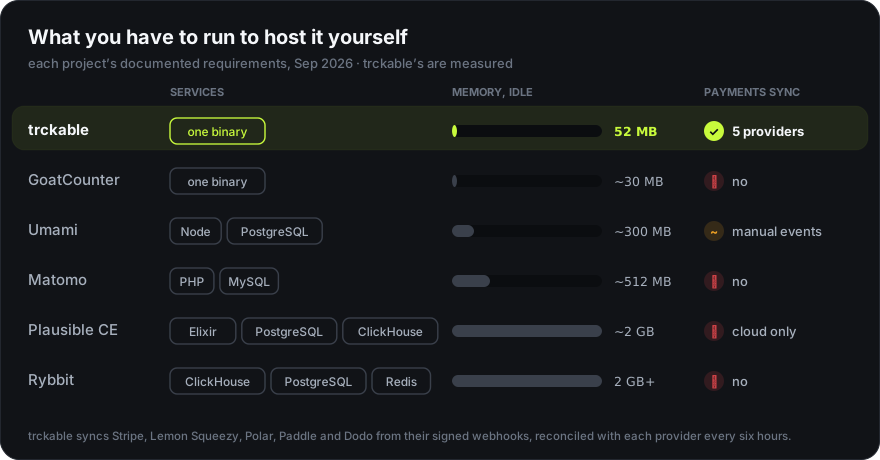
One program, one volume, no database. Anywhere that runs a Docker image, or built from source, and 64 MB of memory is enough.
What it needs
| Resource | Minimum |
|---|---|
| CPU | 1 vCPU |
| Memory | 64 MB idle; allow ~350 MB for heavy reports (DuckDB is capped at 256 MB) |
| Disk | 1 GB to start. About 44 bytes per event, so 5 GB holds roughly 115 million |
| Database | None. DuckDB and SQLite are embedded |
| Ports | One |
Docker
docker run -d --name trckable \
  -p 8080:8080 \
  -v trckable-data:/data \
  -e TRCKABLE_BASE_URL=https://stats.example.com \
  --restart unless-stopped \
  ghcr.io/trckable/trckable:latest
The image is 29.7 MB compressed (CI fails above 30 MB), on distroless: no shell and no package manager inside. The volume holds everything: both databases, the write-ahead log, the geolocation file, the encryption key and the backups.
docker compose
services:
  trckable:
    image: ghcr.io/trckable/trckable:latest
    restart: unless-stopped
    ports: ['8080:8080']
    volumes: ['trckable-data:/data']
    environment:
      TRCKABLE_BASE_URL: https://stats.example.com
    stop_grace_period: 30s
volumes:
  trckable-data:
stop_grace_period matters: on shutdown trckable answers new events with 503
(the tracker keeps them and sends them on a later page), drains what it has,
flushes and checkpoints. Give it 30 seconds and no event the server accepted is
lost in a redeploy. (In cookieless mode the browser keeps nothing, so events
sent during those seconds are not retried.)
Any host
trckable is one container, so it runs wherever you can run a Docker image with a persistent volume: a server of your own with Docker, Coolify or Dokploy, or a platform such as Railway, Render, Fly.io or Northflank. Pick what you know. On any of them, four things matter:
| Setting | Value |
|---|---|
| Image | ghcr.io/trckable/trckable:latest (or pin one from the releases page: :<version>) |
| Volume | mounted at /data: it holds everything |
| Port | 8080, behind the platform's HTTPS |
| Stop grace | 30 seconds, so a redeploy drains instead of dropping |
Set TRCKABLE_BASE_URL to the address people will use. To avoid a window where
a fresh instance waits to be claimed, set TRCKABLE_SETUP_TOKEN yourself to a
long random value before the first start.
From source
You need Go 1.27 and a C compiler (DuckDB is linked in):
git clone https://github.com/trckable/trckable
cd trckable/server
go build -o trckabled ./cmd/trckabled
TRCKABLE_DATA_DIR=/var/lib/trckable ./trckabled serve
The dashboard and the tracker are already built into the repository, so Go is
all it takes. A systemd unit needs nothing unusual: Restart=always,
TimeoutStopSec=30 and the environment in EnvironmentFile.
Behind a reverse proxy
trckable must be able to see the visitor's address to work out a country, and it
must not be fooled by a forged one. Set TRCKABLE_TRUST_PROXY to match your
setup — see Configuration. If you get it
wrong, every visit looks like it came from your proxy, and the dashboard's
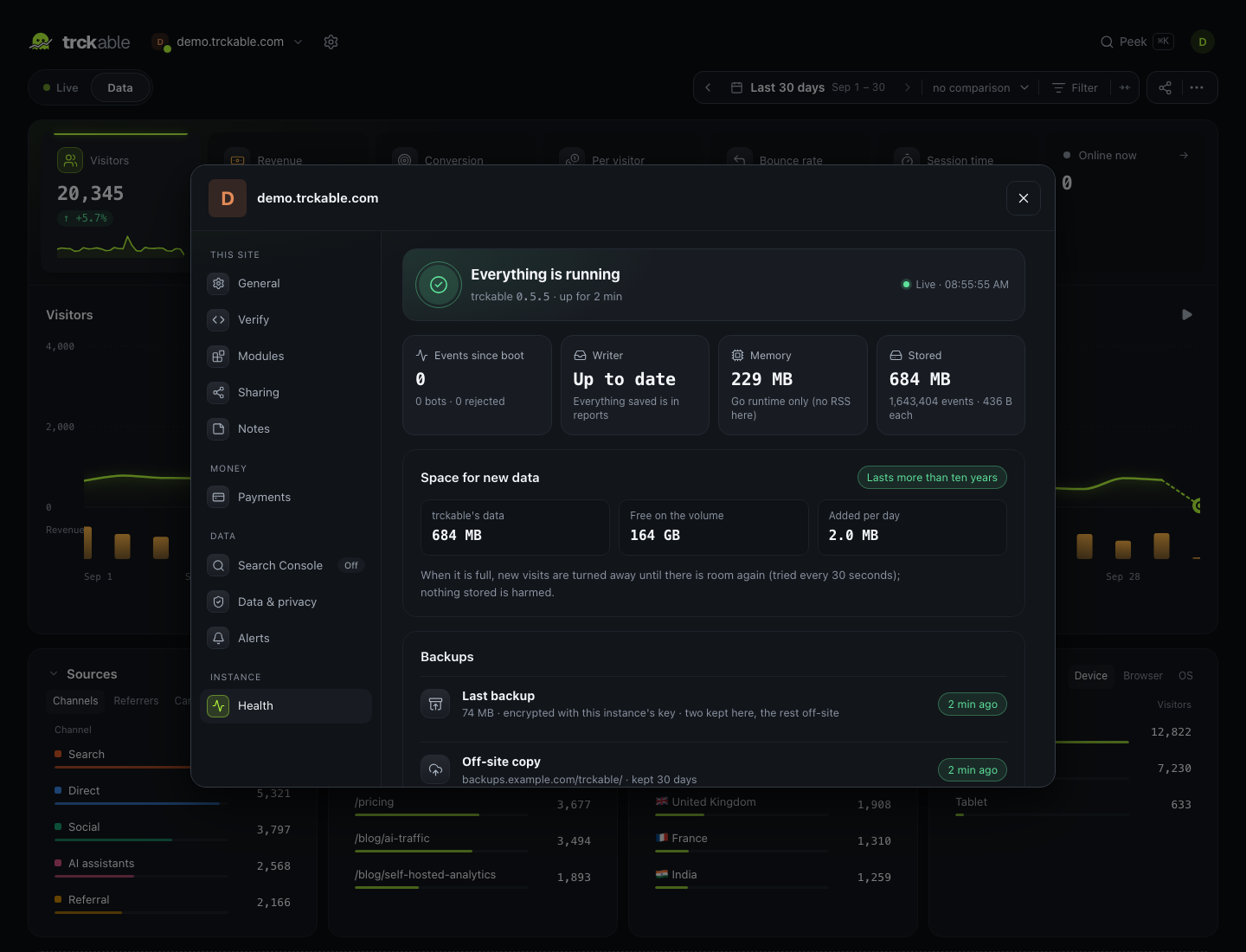
Health panel says so.
Also let Server-Sent Events through: the live feed is a long-lived response, and a proxy that buffers responses will hold it forever. In nginx:
location /api/v1/ {
  proxy_pass http://127.0.0.1:8080;
  proxy_buffering off;
  proxy_read_timeout 1h;
  proxy_set_header X-Real-IP $remote_addr;
}
The first start
trckable prints a setup URL with a one-time token. Open it, create the owner
account, and the token stops working. If you lost the line, the token is in
TRCKABLE_SETUP_TOKEN or in the data directory, and it is only useful while no
account exists.
Next
- Configuration — every environment variable
- Backups and restore
- Upgrading