Privacy
What trckable records, what it refuses to record, and the paperwork it writes for you. Privacy is the floor here, not a module you buy.
What is never recorded
- No IP address. Not in a log, not in the database, not in the write-ahead log. The address is used once, in memory, to work out a country, and then it is gone.
- Nothing from another company. No fonts, no CDN, no pixels, no tag managers, no error reporting. The only thing a visitor's browser talks to is your server.
- No telemetry. trckable does not phone home. There is no setting for it because there is nothing to turn off.
What is recorded
For each visit: the page, the referrer, the channel, campaign tags (UTMs and ad click ids), the country (and the region and city, unless you turn them off), the browser, operating system and device type, the screen width, the language, how long the page was actually visible, how far it was scrolled, and any goals you marked.
That is the whole list. The privacy paragraph below writes it out in plain words, for your site's settings.
The choices you make
Settings → Data & privacy.
| Setting | Default | |
|---|---|---|
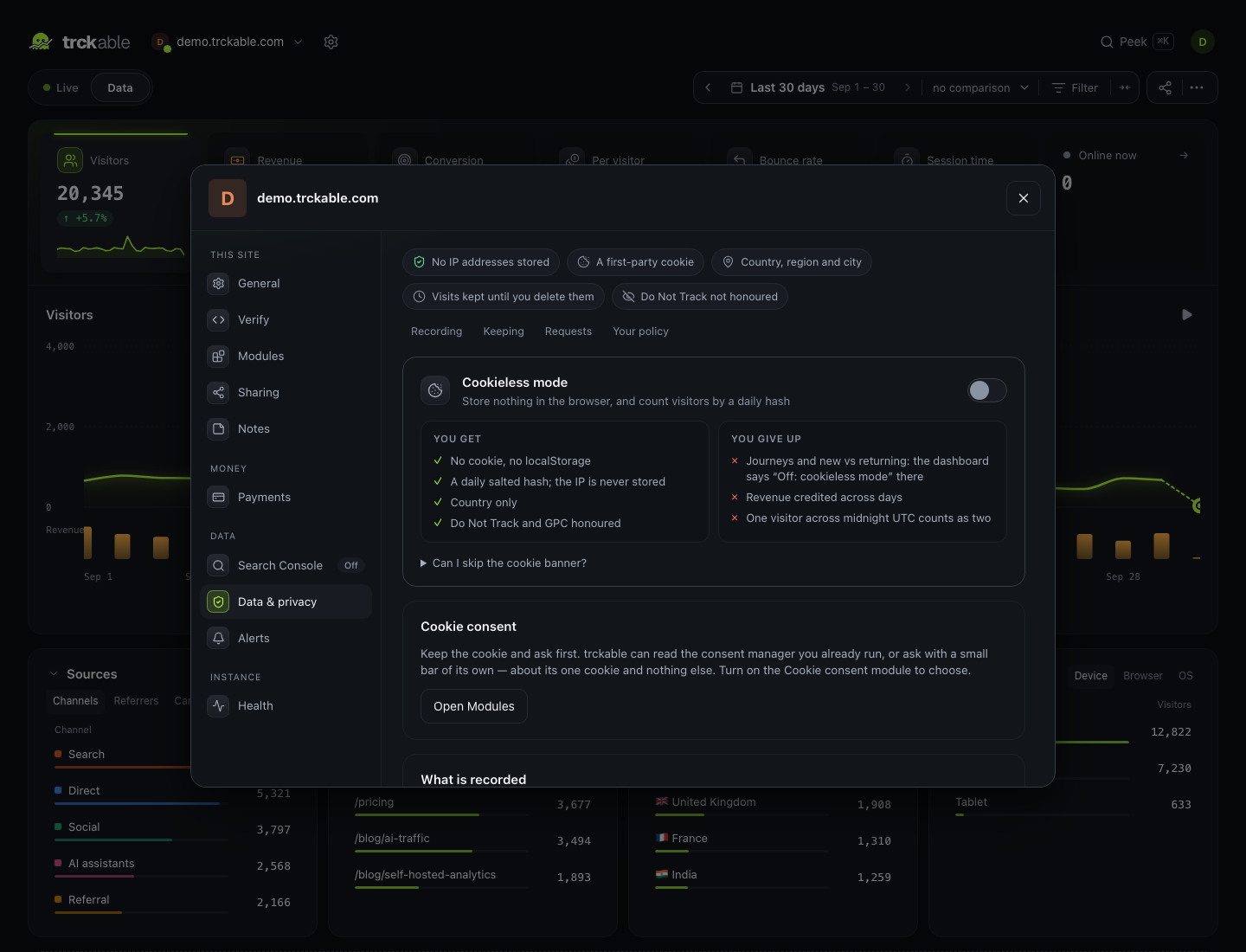
| Cookieless mode | off | Store nothing in the browser at all |
| Region and city | on | Off keeps the country only: region and city are both dropped. Cities are recorded only when the server runs with TRCKABLE_GEO=city; the default database knows countries |
| Do Not Track / GPC | off | On drops those visits before anything is stored |
| Stricter bot filtering | off | Also drops clients that name no browser, and visits from data-centre networks (AWS, Google Cloud, Azure, Hetzner, OVH and other hosting-only providers). Uses DB-IP's network database (about 5 MB), downloaded on first use and refreshed monthly. iCloud Private Relay and consumer VPNs still count |
| Excluded paths | — | /admin/* is never recorded, so there is nothing to delete later |
| Retention | keep everything | 30 days to 3 years, pruned daily |
Cookieless mode
One switch, for every visitor wherever they live:
- nothing is stored in the browser — no cookie, no queue, no localStorage
- visitors are counted with a hash of their IP address and browser, salted with a value that changes every day; each day's salt is deleted after two days, so a hash cannot follow anyone from day to day, or from site to site
- the region and city are dropped; the country stays
- Do Not Track and Global Privacy Control are honoured
- it is enforced by the server: whatever a script cached in someone's browser sends, no id is kept, and a cookie the server once set is expired
The setting travels in your site's own script (/js/<site id>.js, the one
Settings → Install gives you). The generic /js/t.js knows nothing about your
site, so with it add data-cookieless yourself, or the browser keeps a cookie
the server then ignores.
What it costs you, said where the numbers are rather than in a footnote: new-versus-returning is only right within a day, revenue attribution only works same-day, and sessions end at midnight UTC.
Where cookieless mode is enough
Cookieless mode stores nothing on the device, but it is not a legal exemption by itself. The script still reads the page address, referrer, screen width and language and sends them, and European regulators count that as access to the device. What decides whether you need a banner is your country's rules:
- France, Italy, the Netherlands, Spain and the UK have exemptions for first-party analytics, each with conditions (in the UK and France, among others, an easy way for visitors to object).
- Germany and Austria generally still ask for consent, cookie or not.
- Outside Europe analytics rarely needs a banner; the US laws are about selling and sharing data, which trckable does not do.
You are the one who decides; this is guidance, not legal advice.
Keeping the cookie, and asking first
If you want a stable visitor across days, you need the cookie — and in the EU and the UK that normally needs consent before the script runs. A visitor who declines is never counted, with or without a cookie. Two ways to ask, both covered in Consent:
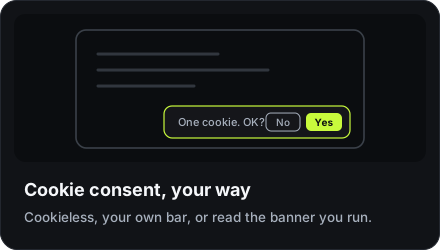
- trckable's own cookie bar, for sites with no consent manager
- reading the banner you already run: Google Consent Mode v2 and IAB TCF v2.2
Your privacy policy
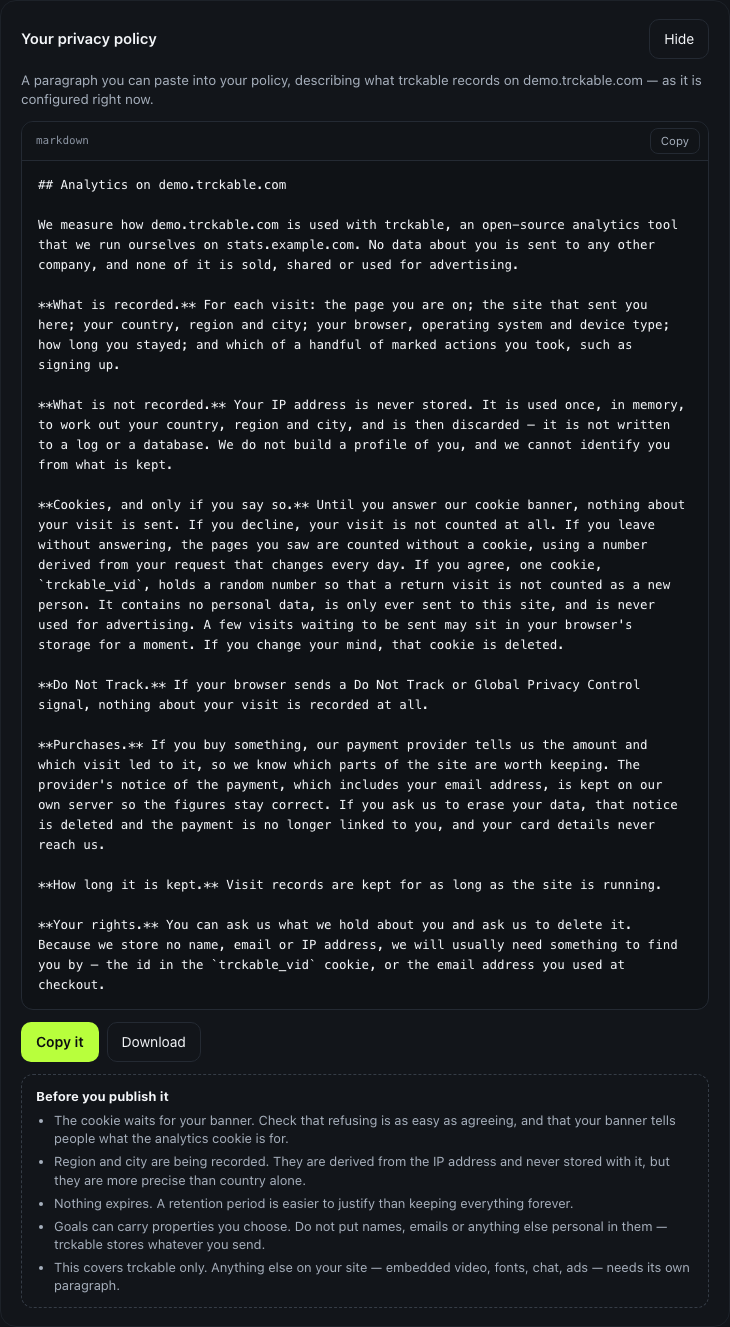
trckable writes the paragraph for you, from this site's actual settings — turn a module off or switch cookieless mode on and the text changes with it. Under it, a plain list of what the generator cannot know for you: whether your banner makes refusing as easy as agreeing, that goal properties hold whatever you send, and that it covers trckable and nothing else on your page.
It is a starting point written by people who are not your lawyers. Read it before you publish it.
Data requests
Settings → Data & privacy → Data request. Find everything held about one visitor id or one email address, export it as JSON, or erase it.
Erasure unlinks payments rather than deleting them: you are allowed — and in most places required — to keep the record that money changed hands. What goes is the connection between that money and a person.
Deleting a site
Deleting a site removes its analytics rows too, not only its row in the settings table. That is deliberate: a "deleted" site whose events were still in the database would be a lie.
Where the personal data actually is
Two honest answers:
- The visitor cookie holds a random number and the time it was first seen. Nothing else. It is a first-party cookie, sent only to your own domain.
- The webhook inbox holds raw payloads from your payment provider, which contain customer emails and addresses. It lives on your server and it is what makes rebuilding the ledger possible, so the retention setting (which deletes old visits) does not touch it. Erasing a person removes their payloads, and deleting the site removes all of them.